
(01) How it works
Glint tries to keep your screen clear of apps. When you need apps, they show up one Card at a time.
-
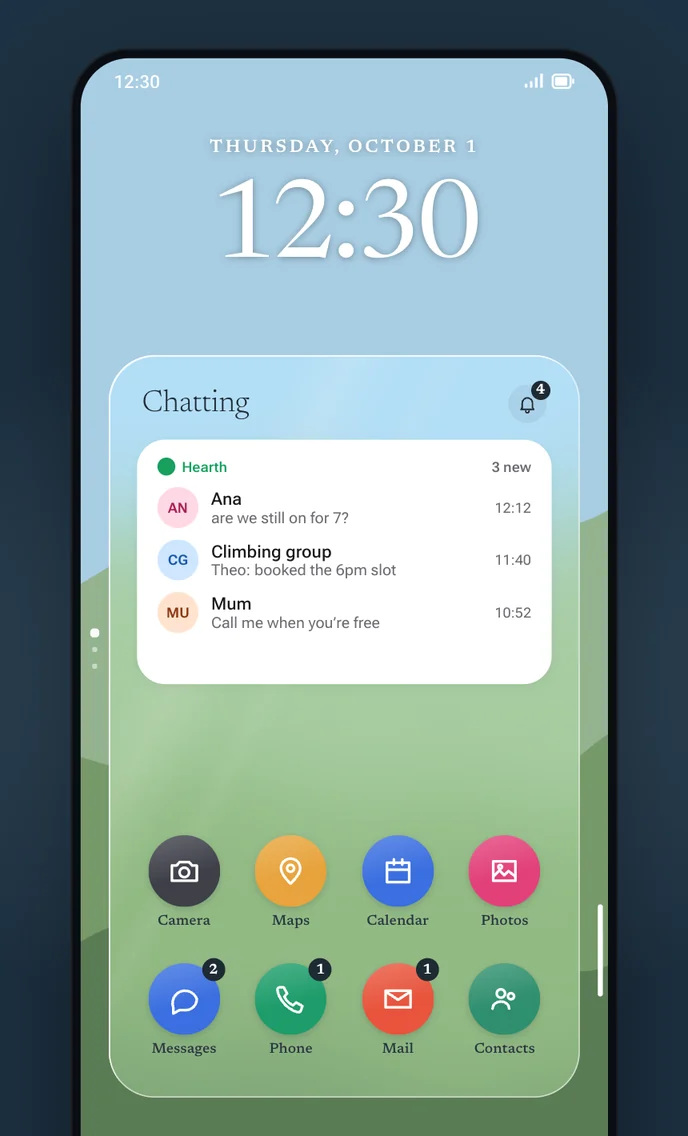
Cards
Each Card holds the apps and widgets for one thing you do.
-
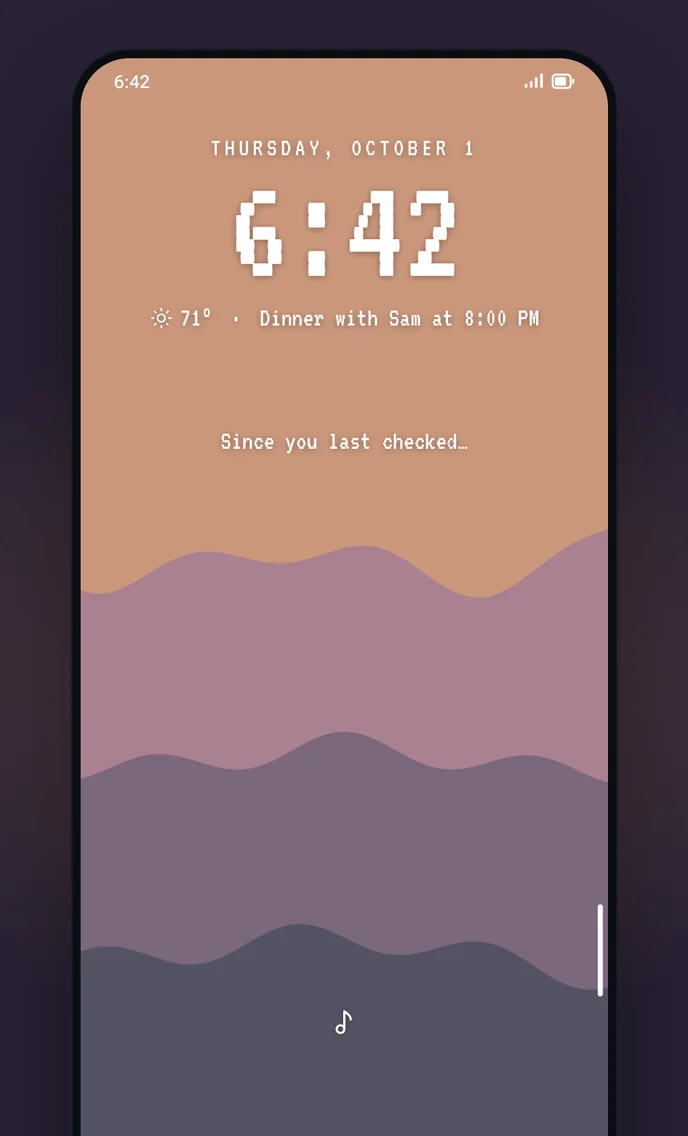
Quiet
Tap the Flick line to enter Quiet mode. The clock stays along with some useful info if you choose to turn it on.
-
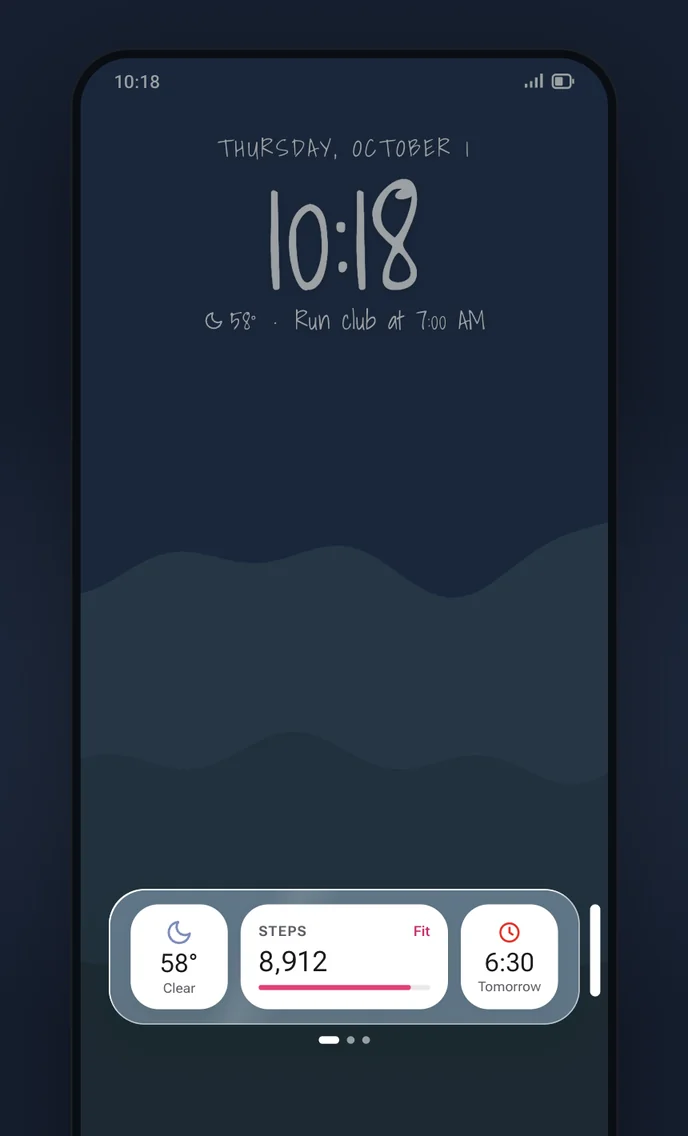
Widget stack
Flick the Flick line inward and a dedicated widget panel slides out from any screen.
-
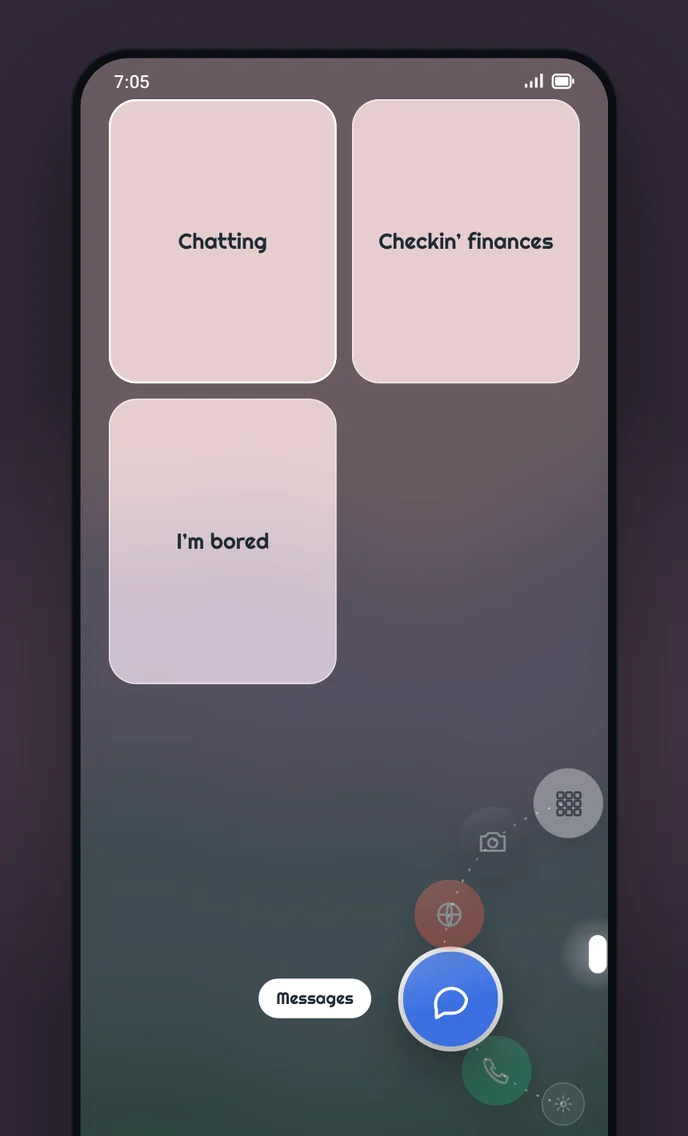
Dock and Card picker
Hold the Flick line and a four-app dock will open around your thumb. Drag your thumb where you want to go.
Glint is in beta on Google Play.
Get it on Google Play